- By
- Chris Winfield-Blum
- Published
- November 12, 2026
- Category
- Industry Insights
What Is a Dead Man's Switch? From Train Cabs to Everyday Life
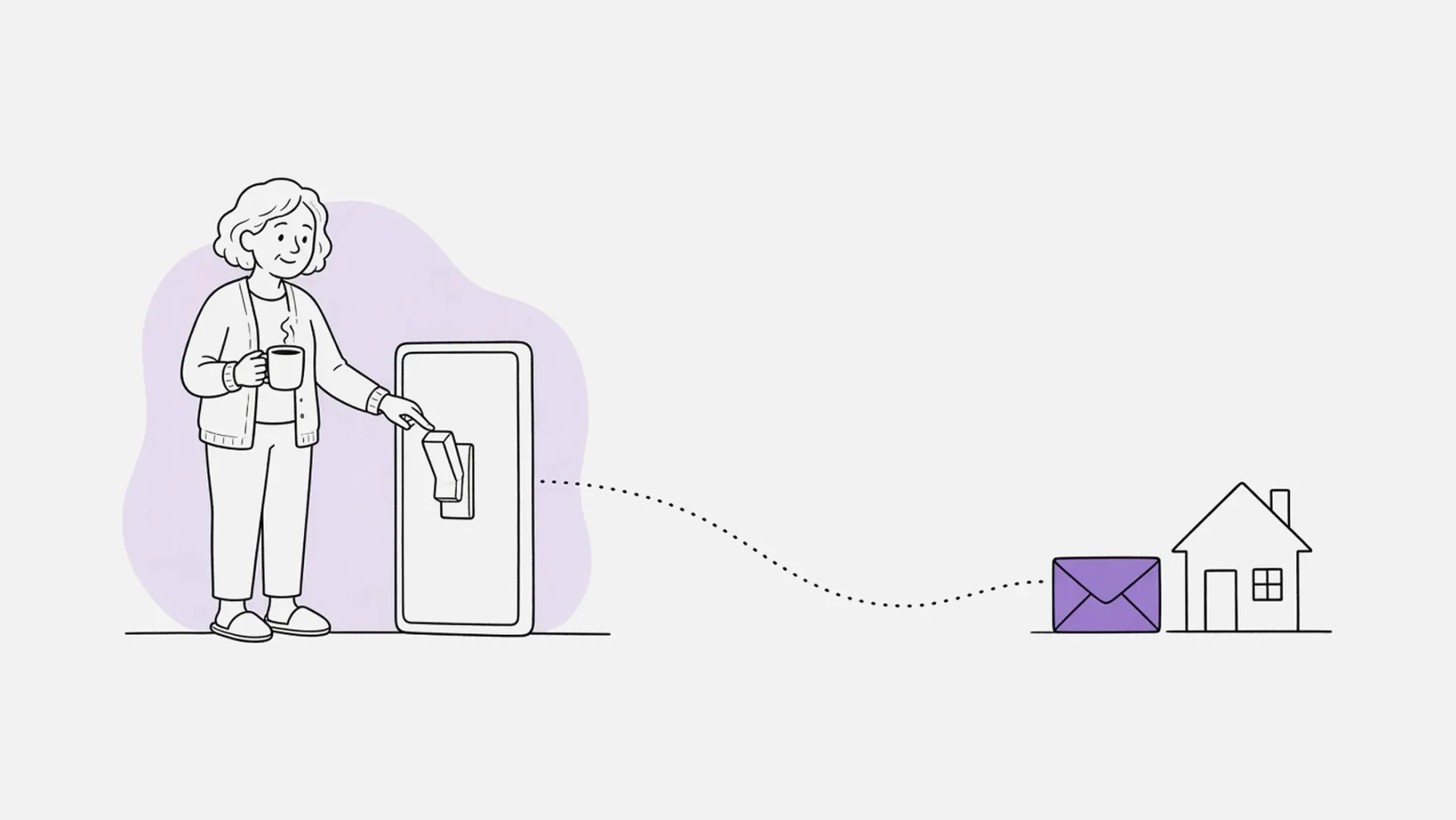
Say "dead man's switch" and most people picture an action movie: a tense standoff, a thumb pressed on a button, everyone waiting to see what happens if it lets go. It makes for a dramatic scene. The real idea behind it is much calmer, and far more useful in everyday life.
At its heart, a dead man's switch is simple. As long as you keep doing something, nothing happens. If you stop for long enough, a plan you set up in advance kicks in.
Where the term comes from
The term began with machines, not movies. Wikipedia's article on the dead man's switch describes it as a switch designed to act if the operator becomes incapacitated, originally on vehicles and machinery, and later used for other things such as software.
Its best-known home is the train cab. According to Machinery Safety 101, electrical engineer Frank Sprague built the idea into streetcar and elevator controls in the 1880s. The operator had to keep pressure on the control for power to flow, so if they let go, the car stopped. When diesel-electric and electric locomotives arrived in the 1930s, the same idea was adopted on the railways, where today it's often called a driver safety device.
You've probably used one yourself. Wikipedia lists lawn mowers, chainsaws, treadmills and outboard motors among the everyday machines that use the same principle. Let go of the handle, and the machine safely stops.
The movie version simply flipped the idea around for drama. Instead of stopping something when the operator lets go, the switch starts something. That's the version most people remember, but it's the least useful one.
What a digital dead man's switch is
A digital dead man's switch takes the same principle and applies it to information. Instead of holding a handle, you check in from time to time. Instead of stopping a train, the switch passes on something you prepared earlier, such as a message, a document or instructions, to people you chose.
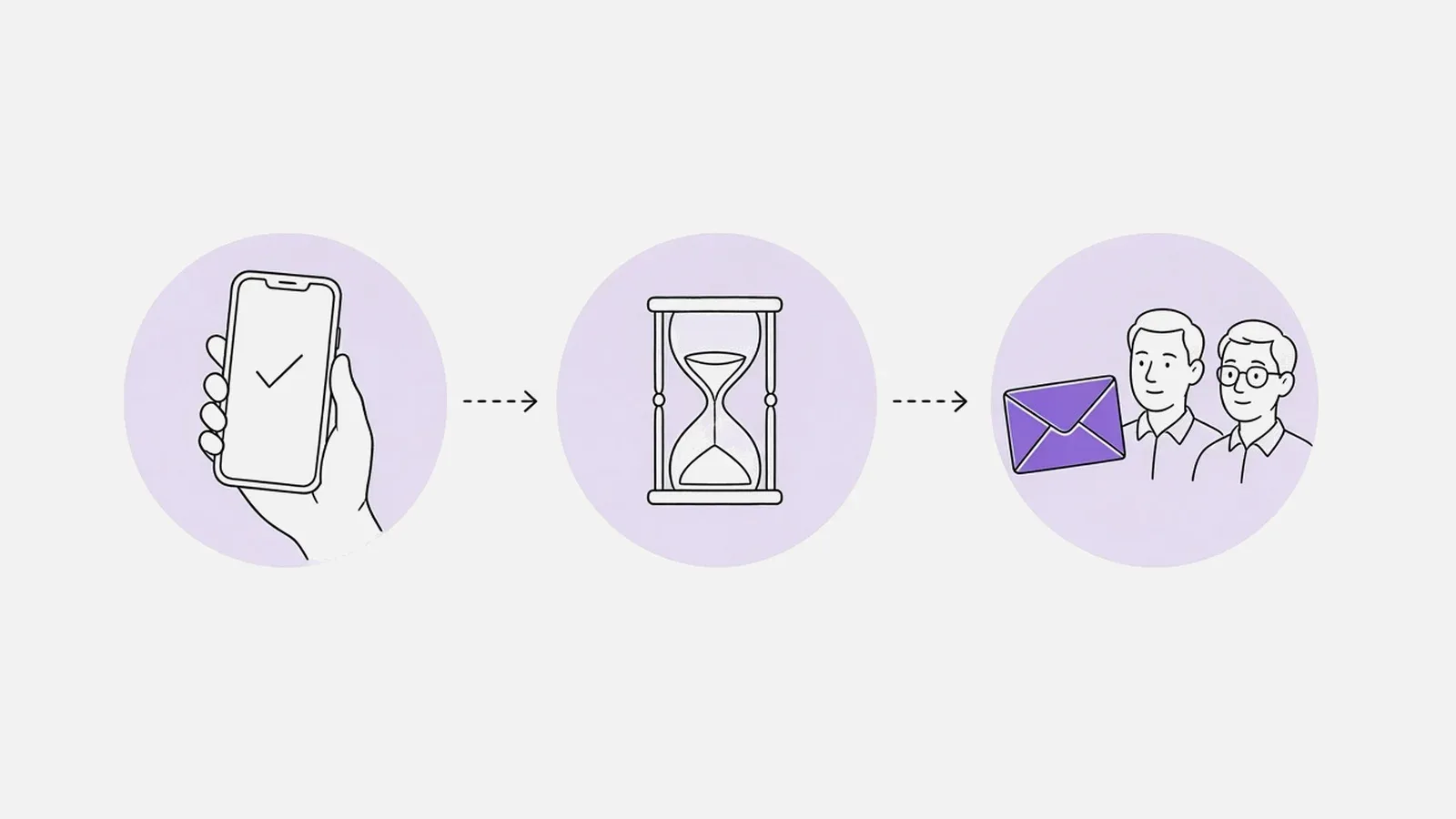
There are three parts to it:
- A check-in. Something small you do that shows you're still active.
- A waiting period. How long the switch waits without a check-in before it acts. A sensible period allows for normal quiet stretches, like a busy week or a long flight.
- An action. What happens if the period passes, such as information being shared with the people you named.
You may already use something similar. Google's Inactive Account Manager lets you choose people to receive parts of your Google account data, or be notified, if your account is inactive for a set amount of time.
The key difference from the machine version is that a digital switch isn't meant to react in seconds. It's meant to wait patiently, often for days or weeks, and only act when the silence is long enough to matter.
When it's useful in everyday life
A dead man's switch sounds like something for spies. In practice, it suits ordinary moments when you'd like the right people to have the right information, without handing it over today.
- Before surgery or a hospital stay. Your family may need your insurance details, account access or instructions, but you'd rather not hand everything over just in case.
- For parents. The information that keeps a household running, from passwords to where the important documents are kept, often sits with one parent.
- When traveling. Trips come with flights, patchy signal and time away from your usual routine. Our guide to a gentler dead man's switch for solo and adventure trips covers travel in detail.
- For small business owners. The details only you know, like which accounts matter and where the contracts are, can quietly reach a partner or trusted manager if they're ever needed.
- For a first date. A friend could receive who you're meeting and where, but only if you don't check in afterward.
- For crypto and other digital assets. Recovery instructions and the location of keys can reach the right person rather than being lost.
How Si Forte works as a gentle dead man's switch
Si Forte stores messages, documents, passwords, photos, audio and video in vaults. Each vault has recipients, the people who get access, and unlock rules, which decide when that happens. When a vault unlocks, its recipients are emailed access. Until then, the contents stay with you.
Check-ins
Opening the Si Forte app or website, or tapping check in, resets the timer on your vaults. How check-in works explains the detail. Si Forte doesn't track your location. The timer simply runs from your latest check-in.
Spark Vault: short-term cover
A Spark Vault unlocks after the number of hours you choose without a check-in. Activating it is the final step of creating it, and it switches itself off 48 hours after activation. It's available on every plan, including Free, and suits a first date or the day of a medical procedure. Read what happens to Spark Vaults after 48 hours.
Persistent Vault: ongoing cover
A Persistent Vault (Basic and Pro plans) unlocks after an inactivity period you choose, in hours, days, weeks or months. You can change that period later, for example making it longer before a trip. How unlock rules work covers the options.
You stay in control
You can also lock or unlock a vault yourself from its page, without waiting for the timer. See how to lock or unlock a vault. And if you'd like something delivered on a particular date instead, such as a birthday message, a Time Capsule unlocks on the date you choose rather than after a period without check-ins.
Setting one up thoughtfully
- Start with one situation. An upcoming procedure, a trip or the household passwords is plenty to begin with.
- Choose recipients you trust, and let them know they're on your vault so the email isn't a surprise. Managing recipients shows how.
- Write the vault's message. It's included in the unlock email, so explain what's inside and what you'd like done first.
- Pick a period that fits your life. Longer than your usual quiet stretches, so it only acts when it should.
- Check in as you normally would. For most people, that just means opening the app now and then.
Si Forte isn't a legal document, so it doesn't replace a will or power of attorney. It makes sure people know what they need to know.
A calmer kind of switch
Strip away the movie scenes and a dead man's switch is a simple, kind idea: make sure the people you love aren't left guessing. If you'd like to try it, our guide to creating your first vault walks you through it, or you can start free with a Spark Vault.