- By
- Chris Winfield-Blum
- Published
- November 21, 2026
- Category
- Industry Insights
A Digital Safety Net for the Holiday Season
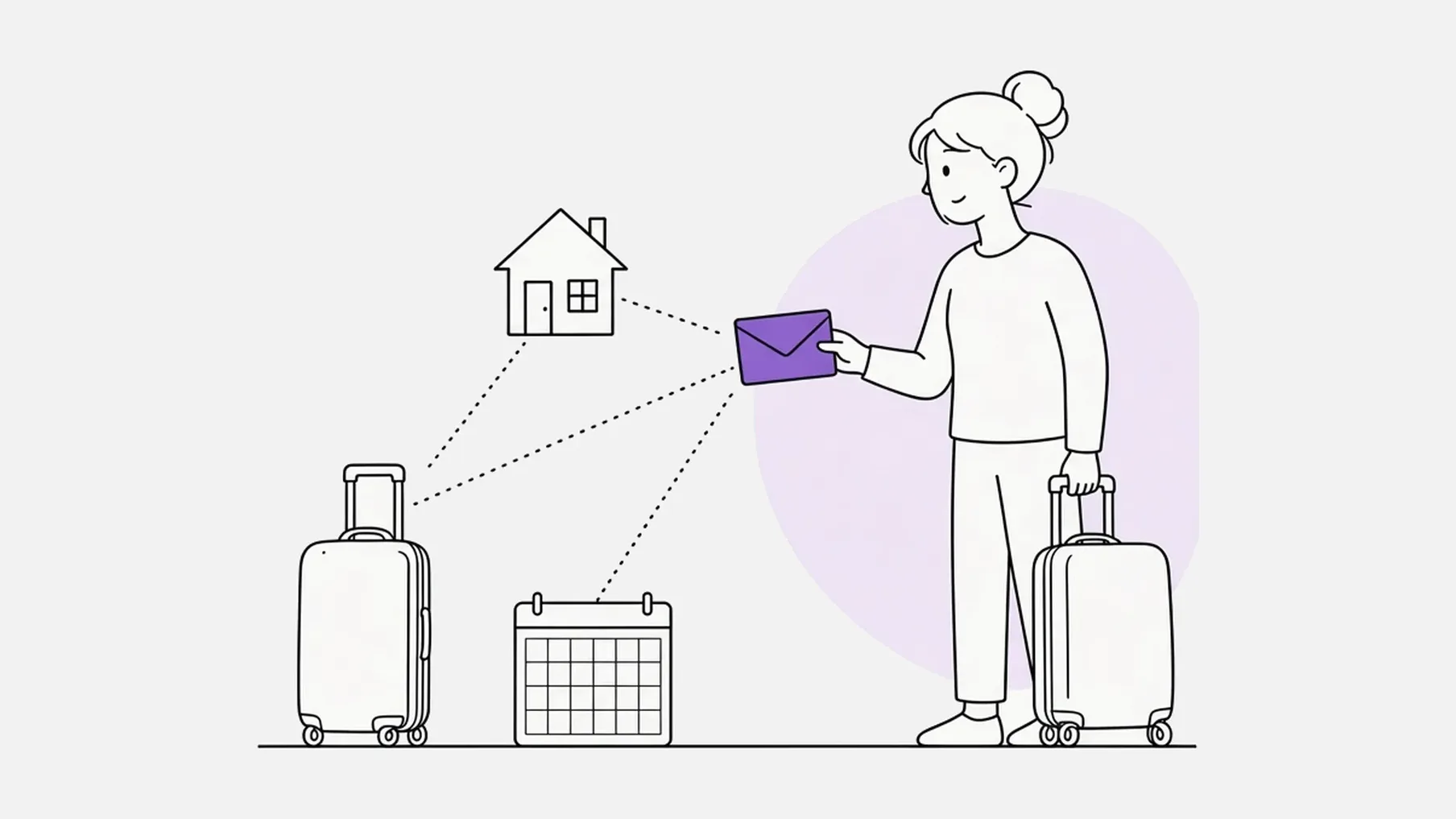
The stretch from Thanksgiving to New Year is when a lot of life happens at once. People travel, shops close, families gather and then scatter again, and many of us take a few days away from the accounts, passwords and paperwork we usually keep an eye on ourselves.
Most of it goes smoothly. A digital safety net is simply a way to make sure the important information still reaches the right people if you can't pass it on yourself, or on a date you choose.
What a digital safety net is
Si Forte stores messages, documents, passwords, photos and audio in vaults. Each vault has recipients, the people who get access, and unlock rules, which decide when that happens. When a vault unlocks, its recipients are emailed access. Until then, the contents stay with you.
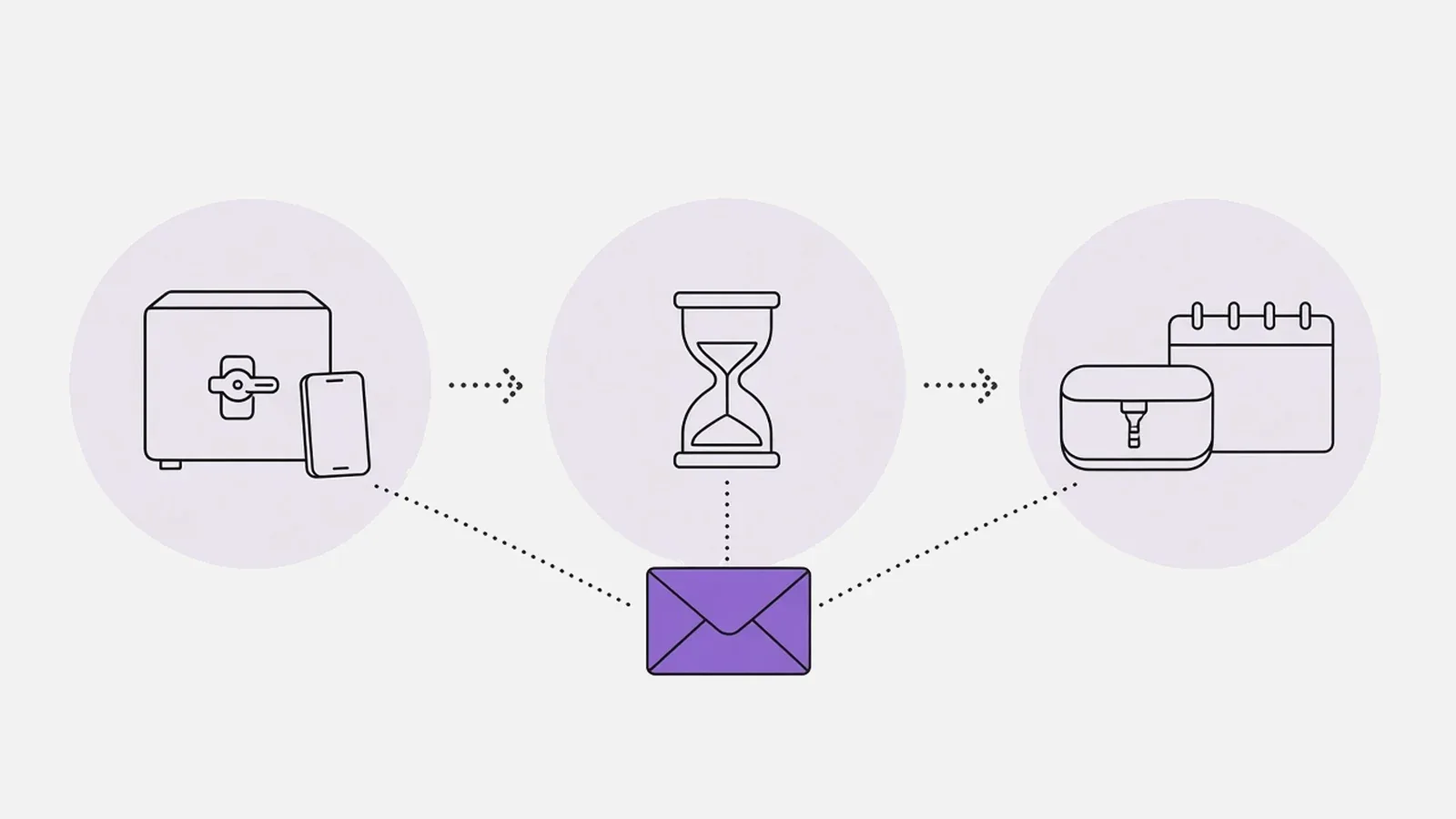
There are three kinds of vault, and they do different jobs. Picking the right one for the next few weeks is mostly about when you want the information to arrive.
A Persistent Vault: cover that stays with you
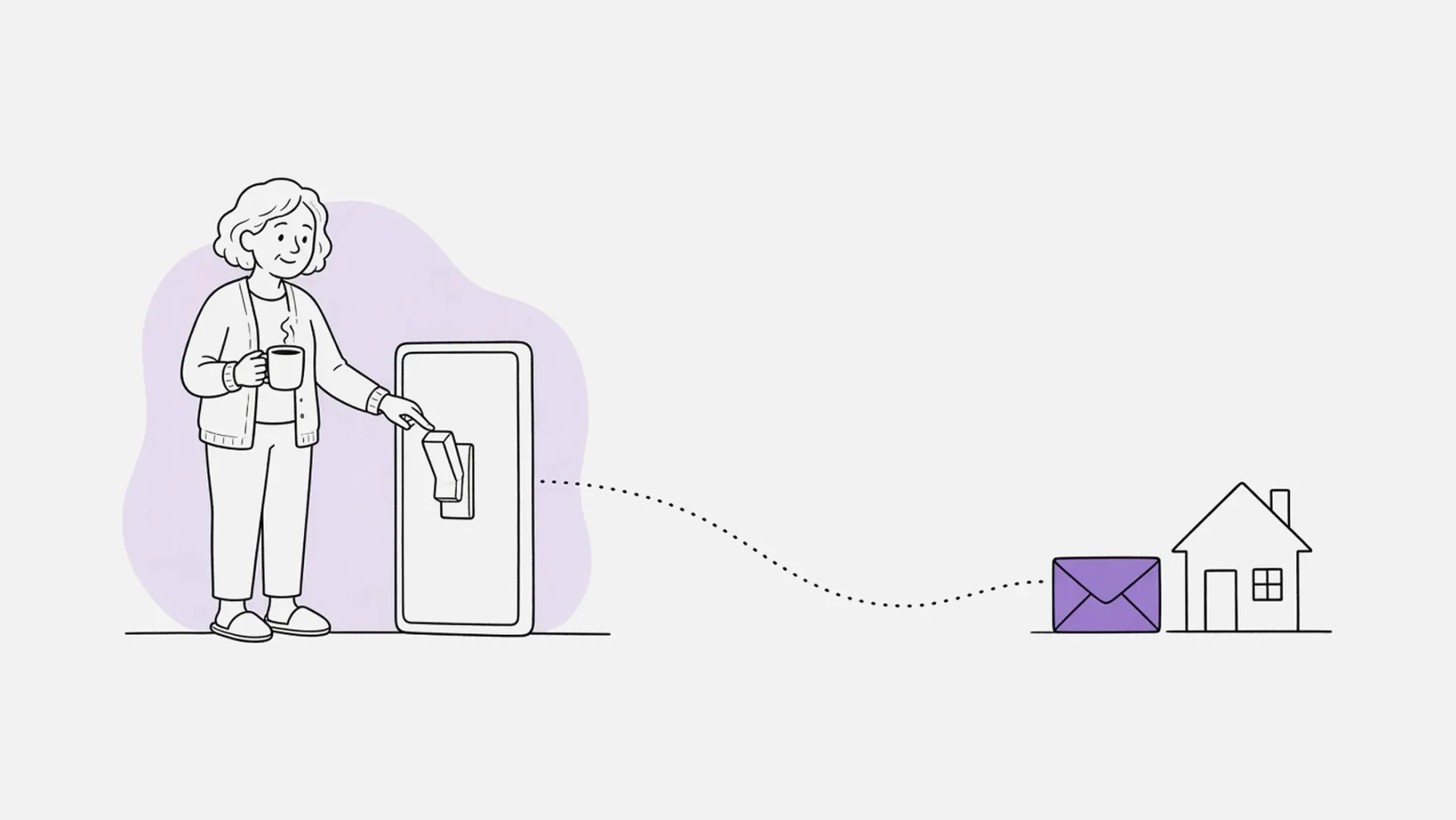
A Persistent Vault unlocks after an inactivity period you choose, in hours, days, weeks or months, without a check-in. Checking in is easy: opening the Si Forte app or website, or tapping check in, resets the timer. Si Forte doesn't track your location. The timer simply runs from your latest check-in.
This is the vault to use if you want ongoing cover: a holiday trip, a few days away from a small business, or the everyday information that keeps a household running. It is available on the Basic (US$18/year) and Pro (US$99/year or US$9/month) plans, and you can change the inactivity period after you set it up.
If the idea of a "dead man's switch" is what brought you here, our guide to what a dead man's switch is explains the concept in everyday terms. A Persistent Vault is the gentler, practical version: nothing happens as long as you keep checking in.
A Spark Vault: short-term cover
A Spark Vault unlocks after a number of hours you choose without a check-in, and it switches itself off 48 hours after you activate it. That short window is the point. It suits a single long travel day, a medical procedure, or any other brief stretch when you want someone to have a plan if you don't check in.
Spark Vaults are available on every plan, including Free. Free accounts don't include file uploads, so on Free a Spark Vault is best for written notes and messages. What happens to Spark vaults after 48 hours? explains the limit, and our article on Si Forte for medical emergencies shows how this kind of short-term cover can work for a planned procedure.
A Spark Vault is not the right fit for a multi-day Thanksgiving trip on its own. By the time you sit down to dinner, a vault you activated on Wednesday may already have switched itself off. For a trip of a few days, use a Persistent Vault.
A Time Capsule: a message that opens later
A Time Capsule is different. It doesn't wait for a missed check-in. It opens once, on the date and time you choose, and its recipients are emailed access when it does.
That makes it a good fit for the other side of the holiday season: a letter or photo you want someone to receive on a birthday, an anniversary, or next Thanksgiving or New Year's Eve. It is a one-time purchase of US$79 per capsule, it doesn't require an existing paid plan, and it includes 2 GB of storage that your other vaults can also use. You can change the release date and the contents after you set it up. Each purchase covers one capsule with one release date, so separate occasions need their own capsules.
You set a Time Capsule up yourself, for the people you want to receive it. How do I purchase a Time Capsule? covers the steps.
Which one do you need this season?
A short way to decide:
- You're traveling, or taking time away from the business or the household, and you want a backstop if you stop checking in. Use a Persistent Vault, and make the inactivity period longer than the longest stretch you expect to go without opening Si Forte, plus a little room for delays.
- You need cover for a short, specific window, such as a procedure or a long travel day. Use a Spark Vault.
- You want a message, a photo or a letter to arrive on a date you choose. Use a Time Capsule.
You can use more than one. Plenty of people will want a Persistent Vault for travel and a Time Capsule for a message that opens later.
What you can do this week
You don't have to wait for a perfect moment, or for a long checklist. This week, you can:
- Decide who your recipients would be.
- Choose the vault that matches the job, using the list above.
- Add the information they would need, starting with a short message that explains what's inside.
- If you're using a Persistent or Spark Vault, pick an inactivity period and get into the habit of checking in when you open the app.
If you hold the household logins, bills and "where is everything" knowledge, our story on the Family IT Admin is a good place to start thinking about what belongs in a vault.
Over the next few weeks we'll publish practical guides for this season: what to leave with someone at home before you travel, a simple family info plan for traveling with kids, a handover plan for small business owners, and a gentler take on a dead man's switch for solo and adventure trips. Later in December we'll also walk through Time Capsules in more detail, including letters for kids to open when they're older, and a family tradition for New Year's Eve.
A calm start
The holidays don't need a complicated system. They need one clear place for the information that matters, and a rule for when it should reach the people you trust.
You can create a free Si Forte account and set up a Spark Vault in a few minutes. If you want ongoing cover or a Time Capsule, the plans and add-ons are on the pricing page.